
How to create Authentication Record for Web Application Scan in Qualys?
Steps
- Login to Qualys Portal and select Web Application Scanning on the right-hand side dropdown. Then Click on Web Applications and then click on Authentication. Finally, click on New Record – as highlighted in yellow in the below picture

- Enter the desired authentication name and click on Continue. For example – Test Demo 15 RO

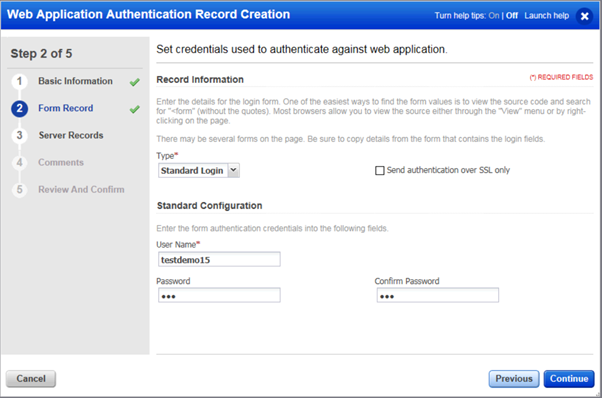
- Enter the desire Form Record values and click on Continue. Sample screenshot below. NOTE: Application where WAS scan is triggered, enter respective username and password
- Enter the desire Server Records configuration and then click on Continue. Sample screenshot below

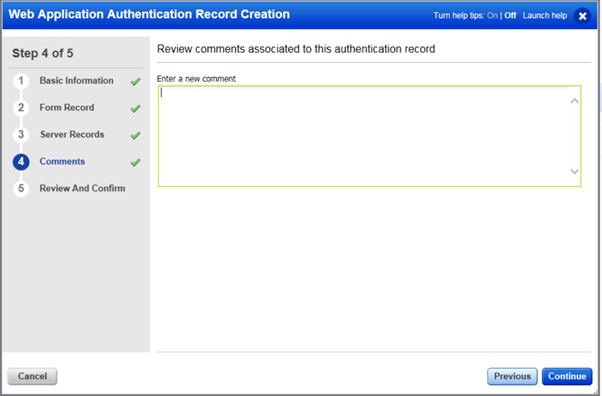
- Enter desire comments and then click on Continue
- Review and if any issue identified in the configuration click on Previous and rectify and finally click on Finish


 SOA Solutions
Thanks this was really helpful.
LikeLiked by 1 person
Very valuable information
LikeLike
Valuable information
LikeLike
I found this really helpful.
LikeLike
Best
LikeLike
Beneficial
LikeLike
Qualys concepts are easy to understand from this post!
LikeLike
Benefited to me and my other colleagues!
LikeLike
Helped me a lot! Please keep blogging!
LikeLike
Nicely explained
LikeLike
Easy guide for WAS
LikeLike
QUALYS WAS experience is good to read and learn!
LikeLike
Create steps for WAS
LikeLike
Useful information. Great job
LikeLike
Thank you for posting such useful information – this is really helpful
LikeLiked by 2 people
Nicely explained
LikeLiked by 1 person